
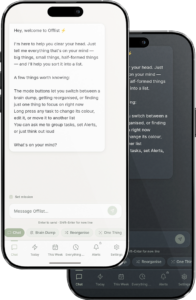
This is the general chat function where you can:
• Add Tasks
• Schedule reminders
• Estimate how long things will take
• Group types of tasks
for more ideas see Power Prompts
Brain Dump allows you to send an uninterupted stream of thoughts. Hit the done button and Offlist will suggest where to put it all.
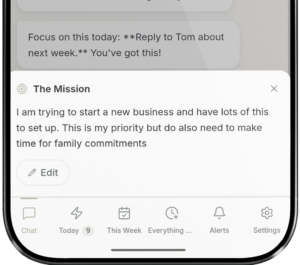
Offlist will look at all of your lists and suggest changes that might make things easier for you. By keeping the mission up to date Offlist will always know what is most important and where to put it.
Feeling frozen? Hit One Thing and Offlist looks at your list and tells you exactly what to do next. One task. One sentence. No overwhelm.
Add additional information to help Offlist understand exactly what your priorities are, how you work and what is most important now.
eg. today all work events are most important, I need to finish my side project, or more general information like – tag all work blue and urgant red.
Reminders can be set for any time whether you need to check the dinner in 5 mins or leave the house at 1pm. These can be set as notifications on your phone or sn SMS message.
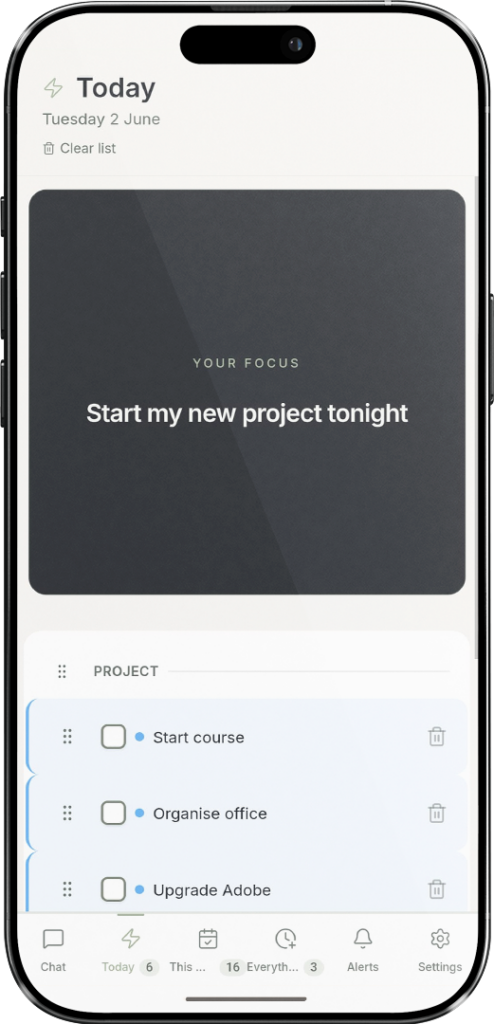
Three seperate lists to organise your thoughts.
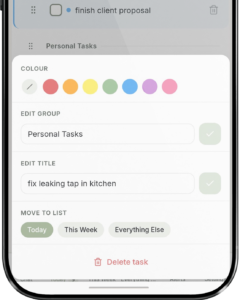
Long press on task to open the menu where you can manually change the colour, name, group name, and what list is should be in.